Downtime is expensive at any size. ITIC's 2024 downtime research found that 97% of large enterprises now say a single hour of outage costs more than $100,000, with some putting that figure at $1 million or higher. Small businesses don't operate at that scale, but the math still stings: even 20 minutes of lost sales or stalled invoicing adds up fast when there's no backup plan.
Remote IT support exists to close that gap without the cost of a full-time hire. This guide covers what remote IT support actually is, the benefits it delivers, typical costs, how to choose between remote, on-site, and hybrid models, and what to look for in a provider.
Key Takeaways
- Most software, network, and configuration issues get fixed in minutes through secure remote access—no on-site visit required
- Remote support typically costs far less than a full-time IT hire’s salary and benefits
- Bundled security matters: small businesses are frequent cyberattack targets
- Hybrid support (remote for daily tickets, on-site for hardware) is becoming the standard SMB setup
What Is Remote IT Support?
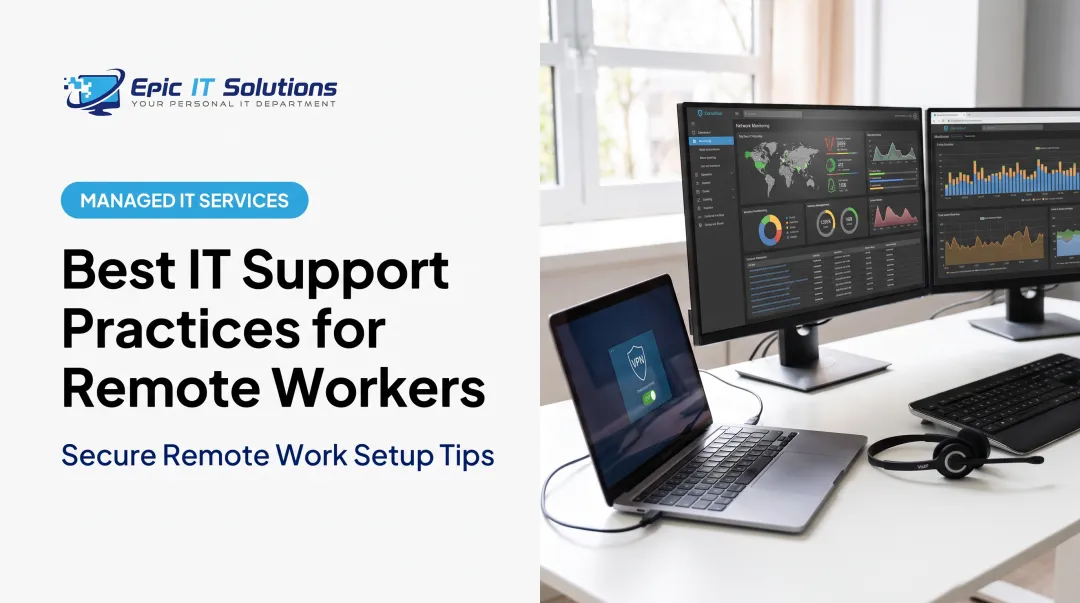
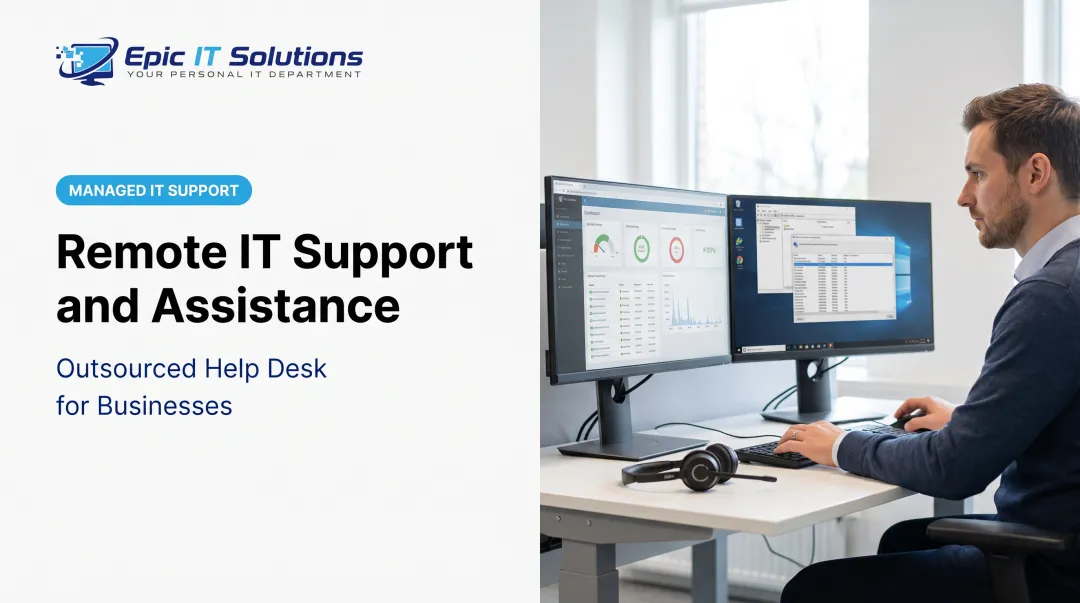
Remote IT support means a technician diagnoses and fixes hardware, software, and network problems from a different location, using secure remote access tools instead of driving to your office. Think screen sharing and remote-control software that lets a specialist see exactly what you see and, with your permission, take the wheel to fix it.
How a Remote Support Session Works
The process is faster than most owners expect:
- You submit a request - by phone, email, or a support portal, describing the issue.
- A technician connects remotely - after a quick call to understand the problem, you open a secure remote-assistance page.
- You authorize access - you share a temporary session ID and password, and you stay in control the whole time.
- The technician resolves the issue - often in minutes, before it disrupts your workday.

Epic IT Solutions, for example, runs this workflow over TeamViewer. You keep full control of the mouse and keyboard throughout, and you can end the session at any moment.
Remote support isn't a replacement for every kind of help, though. It complements on-site service rather than replacing it: a failing hard drive still needs a hands-on swap, and a new office network still needs someone running cable. The next section breaks down which issues typically stay remote and which ones need a technician standing in your server closet.
Common IT Issues Small Businesses Solve Remotely
Most of the daily tech headaches that stall a small business have nothing to do with broken hardware. They're software hiccups, access problems, and configuration errors, exactly the kind of thing a remote technician can fix without leaving their desk.
Typical remotely-resolved issues include:
- Password resets and locked-out accounts
- Software glitches, crashes, and update errors
- Email configuration problems in Outlook, Exchange, or Microsoft 365
- Minor network or Wi-Fi troubleshooting
- Printer and peripheral setup or driver conflicts
- Virus and malware cleanup
Support teams now clear a large share of tickets without an on-site visit. Better remote-access tools and more employees working outside a single office make that possible.
Proactive Monitoring Catches Problems Early
The real value often shows up before an employee even notices a problem. Continuous monitoring can flag:
- A backup job that silently failed overnight
- Suspicious login attempts from unfamiliar locations
- A server running low on disk space
- Security patches that haven't been installed
Catching these early means fixing a warning sign instead of cleaning up a crisis.
When You Still Need Someone On-Site
Physical problems require physical hands, including:
- Replacing a failed hard drive or motherboard
- Installing new workstations, servers, or network equipment
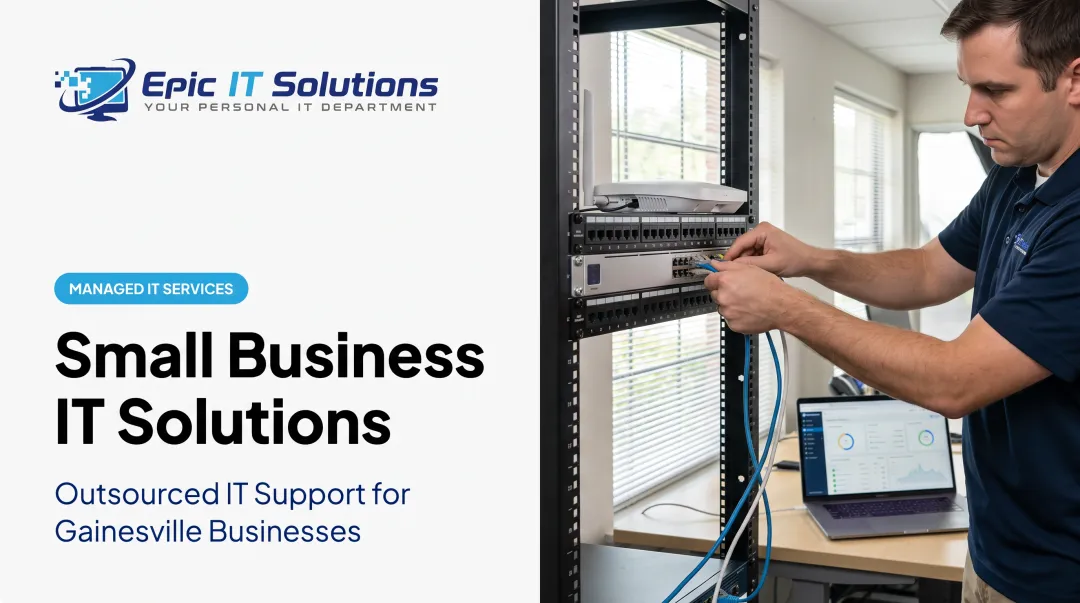
- Running or repairing network cabling
That remote-first, on-site-when-needed mix is why so many small businesses choose a hybrid support model, which we'll cover shortly.
Key Benefits of Remote IT Support for Small Businesses
Cost Savings That Add Up
Hiring a full-time IT employee is expensive before benefits, training, or turnover. The median annual wage for a U.S. computer support specialist was $60,340 in 2024, according to the Bureau of Labor Statistics. That figure doesn't include health insurance, paid time off, or equipment.
Managed remote support typically costs a fraction of that, billed per user, per device, or as a flat monthly fee scaled to your business size. You get coverage for less than one salary, often with a broader skill set than a single hire could offer.
When you add a hire, device, or office location, support capacity grows with you—without another full-time IT salary.
Less Downtime, Higher Productivity
Every minute a system is down is a minute of lost sales or stalled invoices. Remote diagnosis catches small glitches before they become outages. A password reset handled in five minutes never turns into an all-day crisis.
Employees don't all sit in one office anymore. Remote support follows them at a desk, at home, or on a laptop at a client site, so issues get fixed without waiting days for a scheduled visit.
Stronger Cybersecurity Built In
Cybercriminals aren't just targeting big corporations. In Hiscox's 2023 Cyber Readiness Report, 41% of surveyed U.S. small businesses said they'd experienced at least one cyberattack in the prior year.
Most remote support providers bundle protections a small business would struggle to set up alone:
- Encrypted remote sessions
- Multi-factor authentication on privileged accounts
- Proactive threat monitoring and alerting
- Regular patching and updates

Remote vs. On-Site vs. Hybrid IT Support: Which Is Right for You?
Where Remote Support Excels
- Software troubleshooting and configuration changes
- Quick fixes to email, apps, or connectivity
- Supporting employees across multiple locations or home offices
Where On-Site Support Is Necessary
- Hardware installations and replacements
- Cabling and network buildouts
- Hands-on staff training on new systems
The Hybrid Model Small Businesses Are Adopting
More small businesses are settling on a hybrid approach: remote support handles daily tickets, while on-site visits get reserved for anything physical or complex. You get fast fixes without the wait, plus a technician on site when a screen-share won't cut it.
Epic IT Solutions runs this model from Gainesville, with remote assistance and local on-site service across North Central Florida, Greater Orlando, Tampa Bay, and Jacksonville. The team acts as a personal IT department without the cost of a full-time hire.
Password resets and software fixes are often resolved quickly over a secure TeamViewer session. When a server or other hardware needs hands-on work, a technician is dispatched on site.
Which model fits your business? Companies running mostly standard software with minimal on-premises hardware can lean remote-first. Businesses managing servers, networking equipment, or multiple physical locations benefit more from a single provider offering both.

What Does Remote IT Support Cost for Small Businesses?
Common Pricing Models
| Pricing Model | Typical Range | Best For |
|---|---|---|
| Per-user, per month | $50–$150 per user | Businesses with steady headcount |
| Per-device, per month | $50–$150 per device | Businesses with many shared devices |
| All-inclusive flat fee | Custom quote | Complex networks or compliance needs |
What Drives the Price Up or Down
- Business size: More users and devices raise the monthly total
- Network complexity: Multiple servers, locations, or specialized equipment add cost
- Compliance needs: Healthcare and finance often require HIPAA- or FINRA-compliant encryption and reporting
- Coverage hours: 24/7 monitoring and after-hours response cost more than business-hours support
Skip the Averages, Get a Real Quote
Published ranges set expectations, but they won't tell you what your business will actually pay. Network complexity and compliance needs vary so much between companies that a generic average can mislead in either direction.
Epic IT Solutions builds custom quotes after a free consultation and assessment rather than a one-size-fits-all rate card. A five-person law office and a multi-location biopharma client simply need different levels of support.
How to Choose the Right Remote IT Support Provider
Security Credentials
Ask specifically about:
- AES-256 encryption on data at rest and in transit
- Multi-factor authentication on technician and privileged accounts, not only customer logins
- Industry-relevant compliance (for example, HIPAA safeguards for healthcare or biopharma clients)
Response Time, Compatibility, and Escalation
Press for measurable commitments:
- Guaranteed response windows and coverage outside standard business hours
- Confirmed support for the devices, software, and legacy systems you already run
- A defined path to an on-site visit when remote tools cannot finish the job
Putting the Criteria to Work
Those checks matter most when one provider can cover remote work and show up on site. Epic IT Solutions, based in Gainesville, pairs remote and on-site support with managed IT, cybersecurity, backup, and consulting.
Small businesses in North Central Florida, Greater Orlando, Tampa Bay, and Jacksonville get a single point of contact instead of separate vendors for security, backups, and help desk tickets. Backup services use AES-256 encryption with HIPAA- and FINRA-compliant options, which matters for regulated clients such as law firms and biopharma companies.
Frequently Asked Questions
Can IT support be done remotely?
Yes. Most software, network, and configuration issues can be resolved through secure remote access tools like screen sharing, with on-site visits reserved for hardware problems or physical installations.
What is the best IT solution for a small business?
A managed provider that offers both remote and on-site support usually gives small businesses the best mix of flexibility and value. You get professional coverage without hiring full-time IT staff.
What is the best remote access software for small businesses?
The right tool depends on what your provider already uses, but it should include encryption, multi-device support, and simple controls. Most managed service providers include remote access software in their service.
Is remote IT support secure for small businesses?
Reputable providers use encryption, multi-factor authentication, and strict access controls to keep remote sessions and data protected. Ask any provider to walk you through their specific safeguards before signing on.
How quickly can IT issues be resolved remotely?
Many issues, like password resets or software errors, get resolved within minutes to an hour. That's far faster than scheduling and waiting for an on-site visit.
What happens if my issue can't be fixed remotely?
A good provider escalates to an on-site technician for hardware failures or physical setup needs that remote tools can't handle. You stay with the same team, so there's no extra vendor search required.